
design
AI Comic Maker: Turn Your Story into a Multi-Page Comic
Turn a written scene into comic panels and dialogue, then continue your story page by page in a saved project. Add named character references to guide appearance, choose from 71 layouts and review each draft before keeping it.
AI Comic Storyboard Maker
Create a comic from your story, then continue it page by page in a saved project.
Open full workspaceFirst page: 50 credits without references, 100 with references. Project setup is free; each continuation or replacement page costs 100 credits, with or without character references.
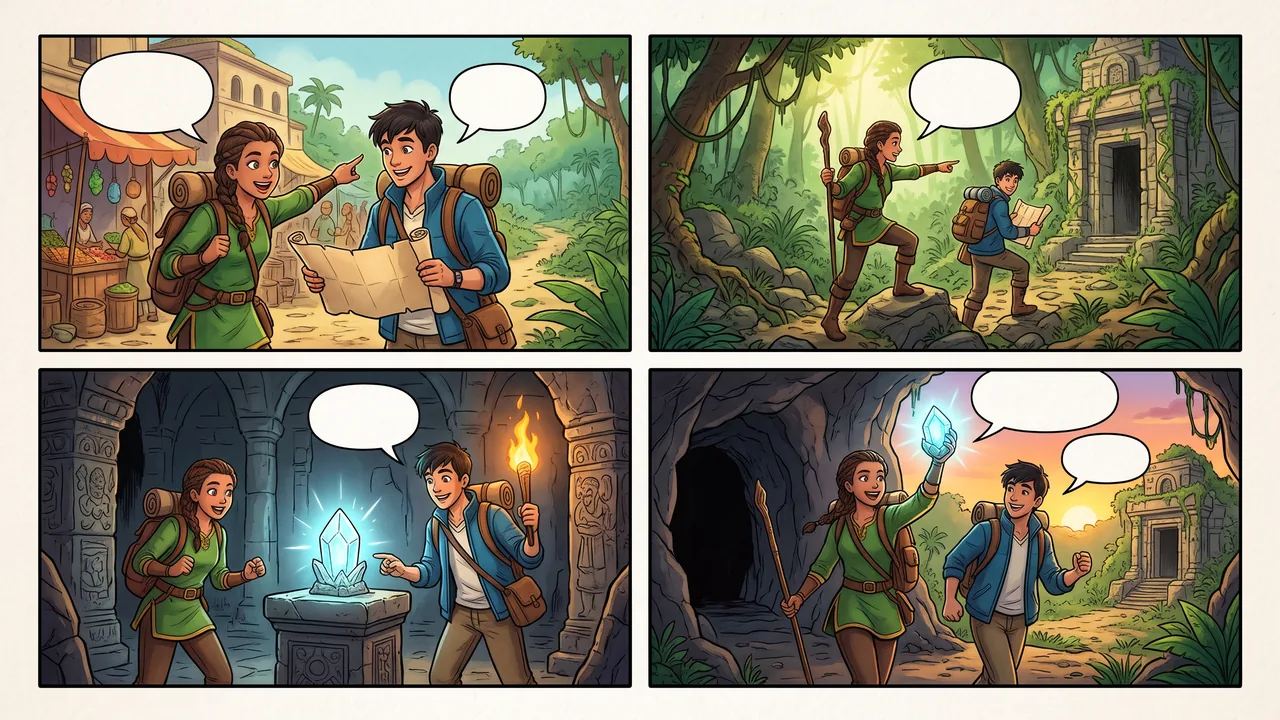
Turn an idea into your first comic page, then continue in a project. Guide the cast with references and review each new page before keeping it.
Read the step-by-step guideHighlights
From your first page to an ongoing story
Start with a story, not drawing skills
Describe a scene and choose a layout, or let Auto choose. AI creates the panels, dialogue and page artwork. Start with a short gag, a lesson or the opening of a longer story.
Give your cast a visual reference
Upload up to 3 named character references and use their names in the story. References guide appearance; check faces, outfits and dialogue in the generated artwork before sharing.
Continue beyond page one
Open a generated comic, use it as page 1 and tell the project what happens next. Keep your pages together rather than starting a separate image for every scene.
Review before the story moves on
Inspect each new draft and its story summary. Keep the page when it fits, or discard the draft and request another generation. Revisit earlier pages from the project.
How it works
How to make a comic with AI
- 1
Create your first comic page
Write the story, optionally add named character references, then pick a layout and size. Generate the first page and check the result.
- 2
Use it as page 1
Choose Continue Story on a result, or open a recent comic under Continue a story. Use as page 1 sets up the project without another generation charge.
- 3
Continue, review and keep
Describe the next scene and check the displayed credit cost before generating. Review the draft and summary, keep it when ready, then continue or make a finale.
Capabilities
What it handles well right now
Common jobs
Comics for social posts, lessons, and storyboards

Also in Canva
Comic Page Maker for Canva
Use the same tool inside the Canva editor. Results land on your design, ready to edit.
Related workflow
More in Image Creation & Editing
Generate, edit, restore, and upscale images — the general-purpose image pipeline.
AI Image Generator
Create images and art from text prompts with AI.
AI Image Editor
Edit photos with simple text prompts, powered by Nano Banana.
AI Image Combine
Merge up to 6 photos into one seamless AI composition.
AI Sketch Maker
Turn any photo into a pencil sketch, ink drawing, line art, charcoal portrait, or one of 13 hand-drawn styles.
AI Emoji Stickers
Turn one subject into a coordinated emoji sticker set across expressions, reactions, occasions, and costumes.
AI Character Pose Pack
Turn one character photo into a whole pack of poses — same face, same outfit, new gestures.
FAQ