
utility
Resize images to any pixel dimension for free
Drop in your images and resize them to an exact width and height in pixels. Choose how they fit — contain, cover, crop, or scale down — leave a field empty to keep the aspect ratio, and process up to 20 images at once. Free to use, no credits.
Image Resizer
Resize images to exact pixel dimensions with fit control. Free, no credits.
Open full workspaceFree — runs in your browser, no credits used.
Highlights
Built for Image Resizer
Exact pixel control
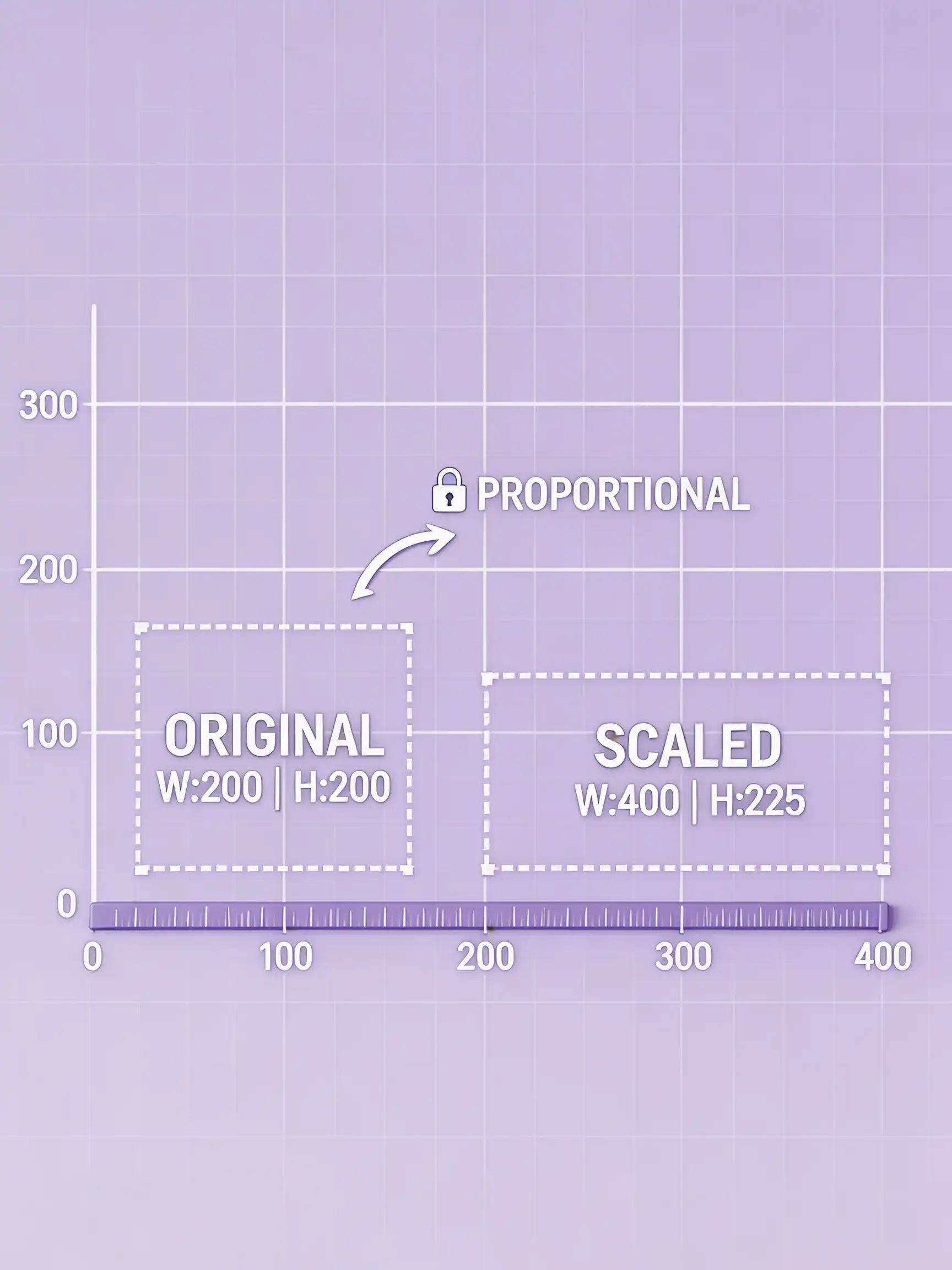
Enter a width and height, or set only one and the other adjusts to keep the aspect ratio.
Fit modes for any layout
Contain shows the whole image, cover fills and crops edges, crop takes a centre crop, and scale down never upscales.
Batch resizing
Drag and drop up to 20 images and resize the whole set with the same settings.
How it works
How Image Resizer works
Add your images
Click or drag up to 20 images onto the upload area.
Set dimensions and fit
Enter width and/or height in pixels, pick a fit mode, and choose the output format.
Download the results
Save each resized image individually or use Download all.
Capabilities
What it handles well right now
Common jobs
What people use Image Resizer for
What to do next
This tool is free. When you need more than file housekeeping, these pick up where it stops.
Related workflow
More in Image Utilities
Fast, single-purpose file work: compress, convert, resize, and watermark.
Image Compressor
Compress JPG, PNG, and WebP images to shrink file size. Free, no credits.
Image Converter
Convert images to WebP, JPEG, PNG, or AVIF. Free, no credits.
Add Watermark
Add a text watermark to photos in bulk with position and opacity control. Free, no credits.
FAQ